
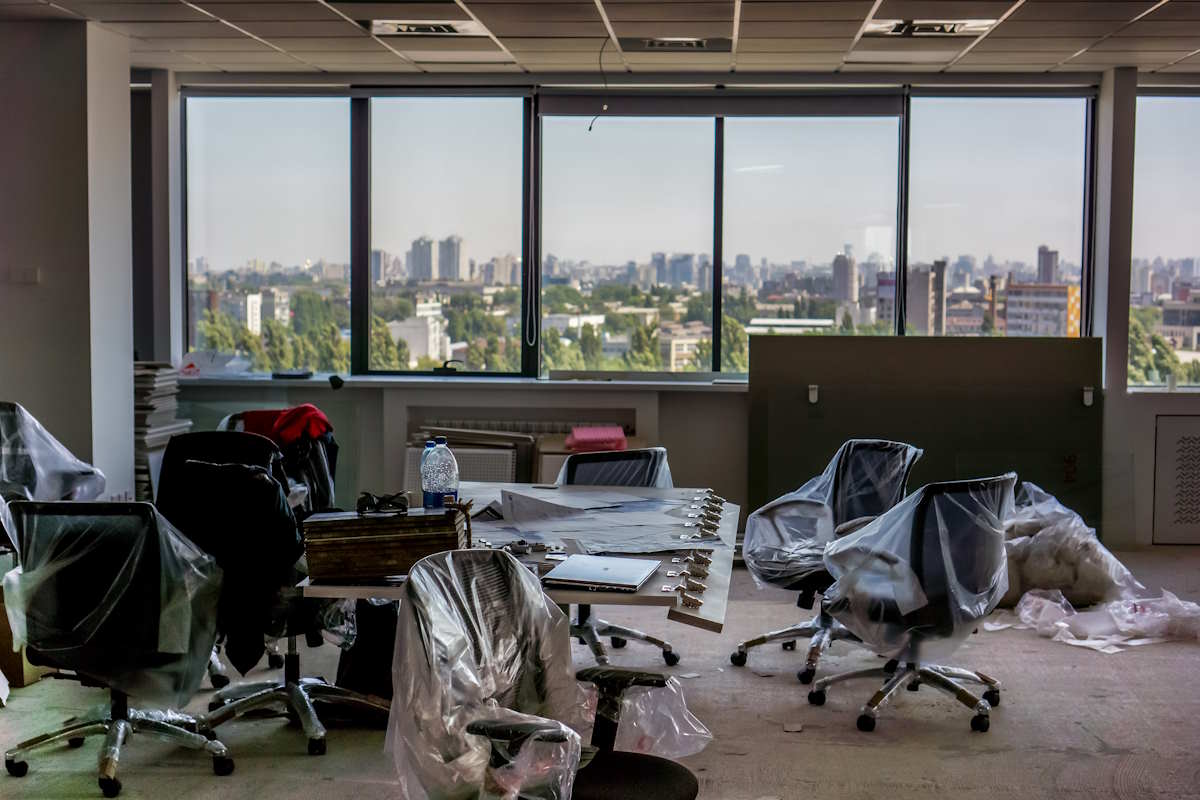
Setting up a new office usually starts with a lot of excitement about sleek monitors and standing desks. But businesses routinely get the technology budget wrong. They allocate huge amounts to high-end laptops for every staff member. Then they realise they have zero budget left for the network switches that actually keep everyone connected.
Budgeting for office tech is strictly an exercise in mapping out operational realities. You have to fund the invisible infrastructure first.
Get the underlying infrastructure right
The foundation of any modern office is the network. It does not matter how fast your computers are if they are bottlenecked by a cheap router or a poorly configured Wi-Fi setup. A significant portion of your initial capital needs to go into enterprise-grade networking gear.
Focus on the essentials:
- Managed switches to handle heavy internal traffic
- Dedicated wireless access points spread evenly across the floorplan
- Proper cabling for all permanent workstations
Do not rely entirely on wireless connections for stationary desks. Hardwiring docking stations saves you endless troubleshooting when the office gets busy and the Wi-Fi spectrum gets crowded.
Then there is the internet connection. In Australia, the NBN can be highly variable depending on your building and location. You need redundancy. If your primary fibre connection drops out, having a 4G or 5G backup router keeps your staff working. Sit down and calculate the cost of thirty people sitting idle for half a day. A backup connection usually pays for itself the very first time it gets used.
Matching hardware to actual workflows
Buy for the specific job role rather than prestige. The design team absolutely needs colour-accurate 4K displays and heavy processing power. The accounts team probably just needs reliable mid-range machines with two standard monitors and a good keyboard. Standardising your fleet makes IT management easier, but balance that against what people actually need to do their jobs.
You also have to think about the physical peripherals sitting in the corner of the room. Many businesses try to save money upfront by purchasing consumer-grade printing equipment for commercial volumes.
It never ends well. You buy a cheap unit from a big box retailer, run it into the ground within six months, and then spend half a week trying to organise Printer repair Sydney technicians because the shipping department cannot print their consignment labels. Allocate budget for a proper commercial lease or enterprise-grade hardware from the start. Factor in the maintenance contracts so you are not caught out when things jam.
Auditing software and subscriptions
Cloud subscriptions will eat your cash flow quietly if you let them. Look at the annualised cost of your entire software stack when mapping out the budget. Microsoft 365, cloud accounting platforms, project management tools, and internal communication apps add up aggressively per user. Only buy licenses for the people who actually need them.
You also need to account for the specific tools your industry demands. Generalist software is relatively cheap, but highly specialised platforms dictate their own pricing structures.
A local engineering firm has to budget heavily for CAD licenses and the local servers to store massive files. In the healthcare sector, managing patient data requires strict adherence to privacy legislation. The infrastructure, compliance auditing, and software required for hospital electronic medical records will command a massive portion of the technology budget compared to a standard retail booking system. You cannot cut corners on the software that keeps your business legally compliant.
Meeting room AV and presentation tech

A heavily overlooked area in initial budgets is the meeting room setup. Companies often spend heavily on the boardroom table and chairs, leaving the audio-visual equipment as an afterthought. You end up with a high-end space where people have to huddle around a single laptop to be heard on a conference call.
Proper video conferencing hardware is essential. This includes a dedicated room system, wide-angle cameras that capture the whole table, and ceiling-mounted or table-extension microphones. In a hybrid work environment, the experience for remote participants matters just as much as for the people in the room. Budget for dedicated displays and unified communication hardware that works seamlessly with your primary platform.
Telephony and communication tools
Traditional phone systems are largely a thing of the past. Still, communication requires a dedicated line item. A lot of offices are moving entirely to softphones integrated with Teams or Zoom. This reduces the need for physical desk phones and saves hardware costs, but it shifts the expense to premium software licenses and better headsets.
If you expect your staff to take calls in an open-plan office, you must budget for noise-cancelling headsets. Giving someone a cheap earpiece and expecting them to sound professional while three other people are talking nearby is bad management. Good audio equipment is a core requirement for doing business remotely or dealing with clients over video calls.
Security is a core expense
Do not treat cybersecurity as an optional extra you might look at next quarter. Your budget must include end-point protection, secure backup solutions, and a reliable password manager for the entire team. Too many businesses rely on the default security settings of their operating systems and cross their fingers.
Set aside funds for a robust cloud backup service. If a staff member accidentally clicks the wrong email attachment and ransomware locks down your shared drives, you need the ability to roll back to yesterday’s data within hours. The alternative is paying thousands in recovery fees or losing the data entirely.
Factoring in multi-factor authentication tools and basic security awareness training for staff should be considered as essential as paying the electricity bill.
Ongoing support and lifecycle management
Hardware ages and software breaks. Your initial capital expenditure for the new office fit-out is only the beginning of the technology lifecycle.
You need a clear operational allocation for managed IT support or an internal resource to keep things running smoothly. Expecting an office manager to handle server updates and network troubleshooting off the side of their desk is a terrible use of their time.
Budgeting for technology means budgeting for the ongoing reality of using it. Plan for the setup costs, the monthly licensing, the hardware replacement cycle, and the inevitable support tickets. A good budget does not just get the office open on day one. It keeps the business moving without panic when a switch fails or a computer dies three years down the track.